
Today’s AI role-play chatbots offer immersive stories and dynamic personalities, a very stark contrast to the simplistic chatbots of the past. However, navigating the different platforms and their varying features can be challenging to most users. This Juicy AI guide focuses on the techniques and tools necessary for transferring chatbot experiences across platforms. We cover everything from file compatibility to technical requirements for seamless transitions. Discover how to effectively manage and migrate your AI chatbot characters to enhance your role-play experiences.
Can I import a character AI from other platforms into Juicy AI for enhanced role play and sexting?
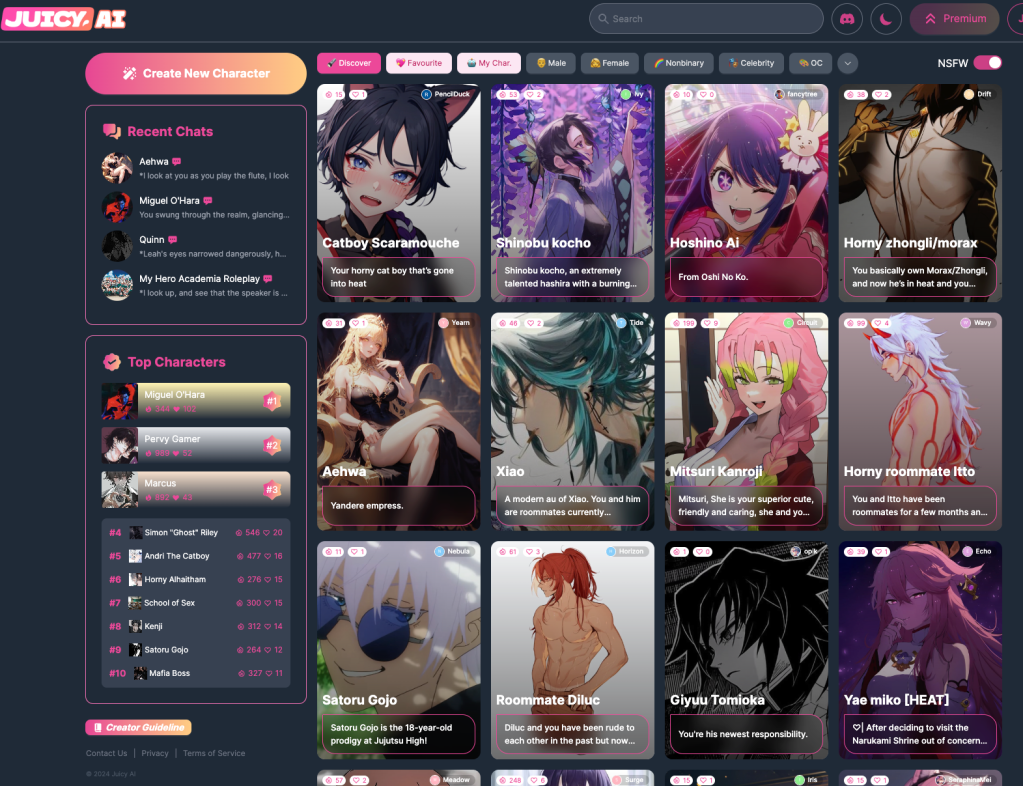
Absolutely! At Juicy AI, we ensure seamless integration for those looking to enhance their role-playing experiences with advanced character AI. Whether you’re using Chat GPT, Janitor AI, or other platforms like Janitor AI, you can easily import Character Cards into Juicy AI. These may include JSON files or PNG images with embedded JSON content.

What is the purpose of the ‘Import’ feature in Juicy AI?
Juicy AI is dedicated to fostering an open environment where users can freely manage their character AI creations. The import feature supports this by allowing users to save their role-play characters after customization.
Which platforms currently support file import and export for character AI used in role play?
- BOT3 AI: Supports fields for the character’s Name, Description, Personality, and Scenario. Additionally, it allows for a First message field and provides Examples of dialogue.
- Chub: Similar to BOT3 AI, it includes Name and Description fields. However, it focuses solely on the Scenario, offering an Alternate greetings field and Example dialogs.
- Tavern AI: Here, you can include the Name, a Personality summary, Description, and Scenario for the character, along with a First message and Example dialogue.
- Spicychat: This platform allows for the character’s Name, a specific Chatbot’s Personality, and Title, as well as the Scenario and a Greeting, with Example dialogues.
- Charstar: It takes a different approach by using a Title field, allowing for the character’s Persona, Scenario, and Greeting, followed by an Example dialogue.
- Crushon: You’ll find fields for the Name and Personality, an Introduction, and the Scenario, with a Greeting and Example conversation.
- Janitor: It includes fields for the Name and Personality of the character, an Introduction, Scenario, with an Initial message and Example dialogs.
- Pephop: Finally, Pephop includes fields for the Name, Personality, an Introduction to the character, Scenario, an Initial message, and Example dialog.




 Blog, Juicy AI - No Filter AI Anime Characters - AI girlfriend/boyfriend
Leave a comment